Google Play data safety
The current Play listing declares that Mumaura collects no user data and shares no user data with third parties.
Private PDF + Word tools
Private PDF and Word work—entirely on your phone.
Read, understand, create, and edit documents without uploading private files, creating an account, or sitting through ads.
Android · Free to install · Core features work offline
Clear evidence about data handling, required access, and who is responsible for the app.
The current Play listing declares that Mumaura collects no user data and shares no user data with third parties.
File access opens documents you choose. Camera access supports optional scan-to-PDF. Text-to-speech behavior depends on the voice engine you select.
Built and supported in India by the independent developer behind MummaApps, with direct email support.
Mumaura is a PDF reader and Word editor in one private app. No account, no cloud, no clutter. Start instantly and stay in control of your documents.
Our Manifesto
MummaApps began with a simple mission: to build cleaner applications for my mother, free from aggressive ads and data harvesting. That foundation grew into Mumaura PDF Reader & Word Editor—a digital sanctuary built on absolute trust.
While industry giants treat your documents as data mines, we treat them as private property.
We built a sanctuary, not a surveillance tool.
Mumaura packs a full PDF reader, built-in Word document editor, and PDF-to-Word converter into one app — all 100% offline, ad-free, and privacy-first.
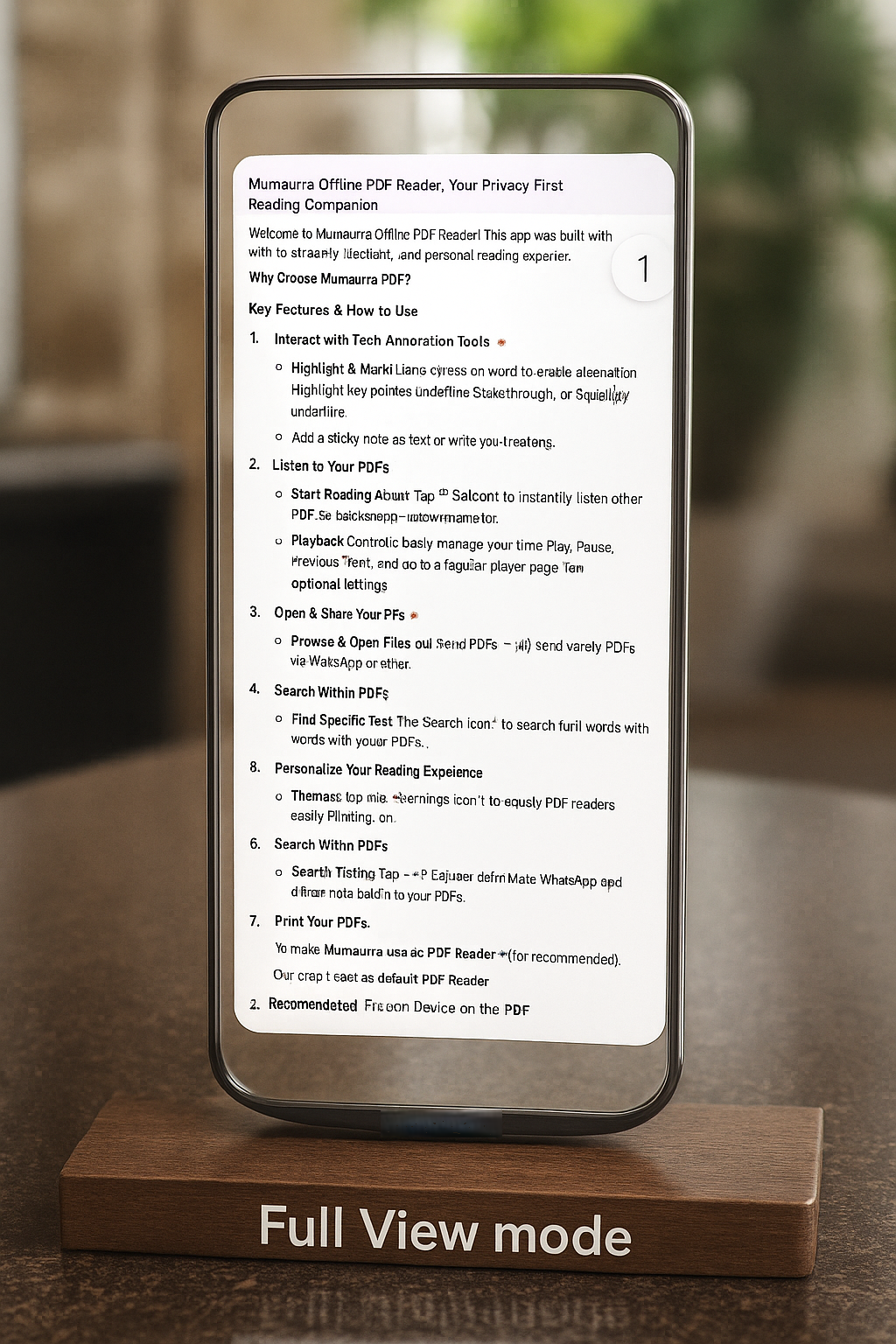
Open, annotate, fill forms, print, and speak PDFs entirely on-device. No forced sync, no account gates, no hidden uploads.
Optimized rendering pipeline keeps large PDFs fluid and stable, even on low-memory devices.
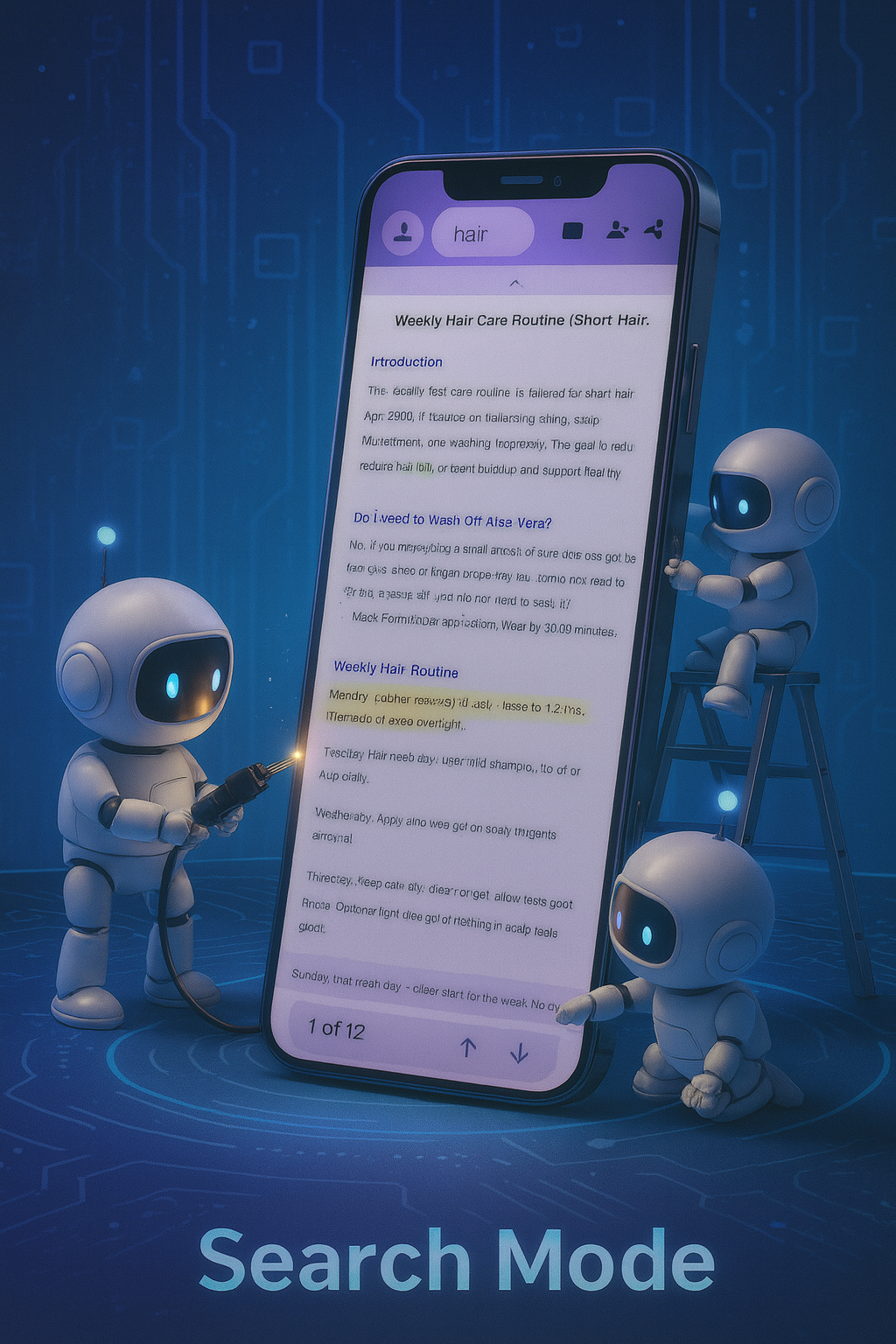
Start with fast search and copy, then move into advanced workflows with interactive field controls and form-data portability.
Personalize comfort and focus on the fly without leaving the document view.
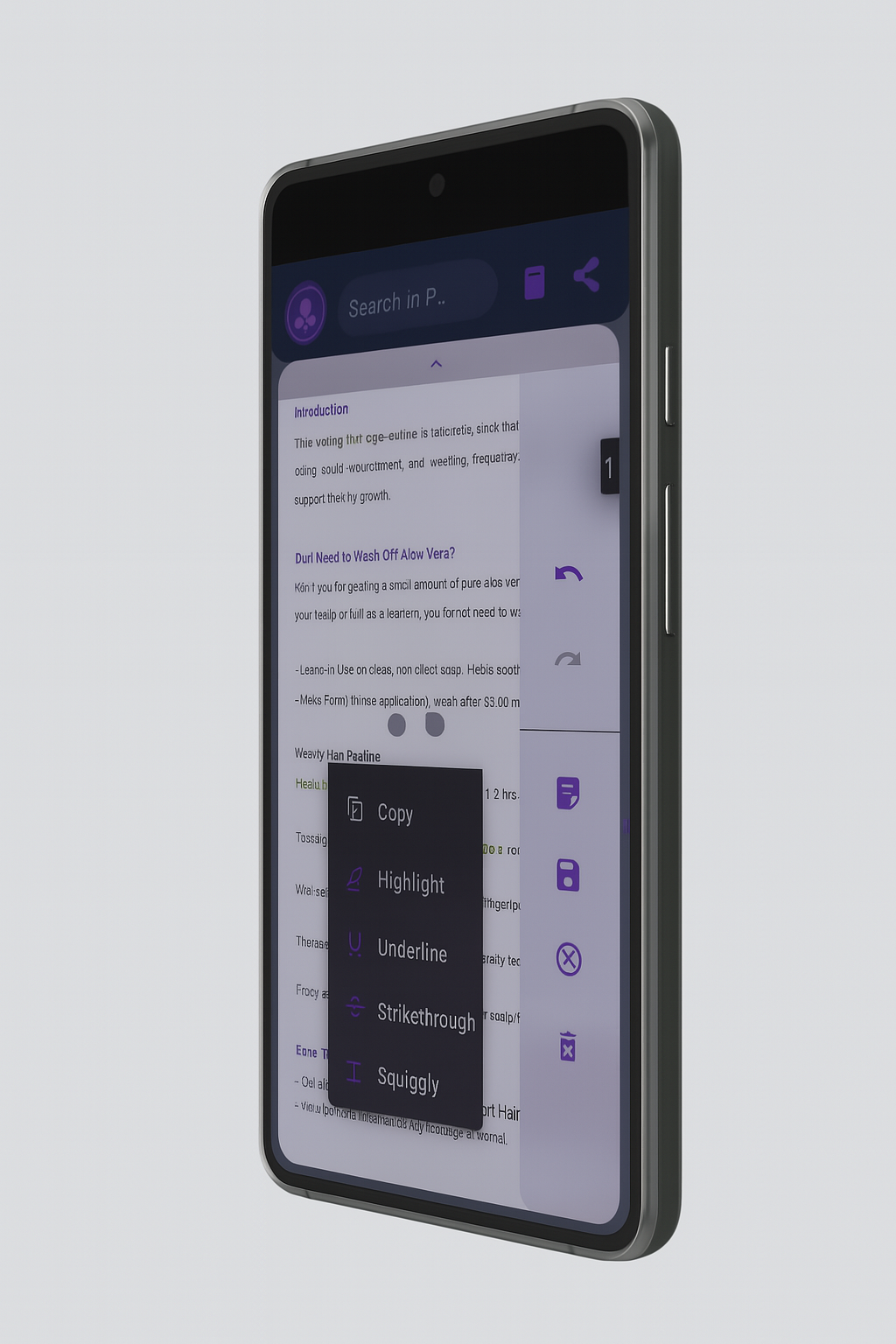
Mark up documents like a pro while preserving flow across study, review, and business use-cases.
The entire app UI labels switch with your system language across menus, dialogs, forms, popups, and validation messages for a true localized experience.
Indian Languages
International Languages
State changes use gentle spring-like motion so the interface morphs instead of cutting abruptly.
Translate, define, and annotate without ever leaving your page. No hidden menus, no complex navigation. A single long-press expands a universe of tools exactly where you need them - right under your thumb.
Everything stays local with simple file handling built into the app.
Word Processor
A full-featured rich text editor built right into the app. Create new documents, open and edit .docx files, then export Word-compatible documents — 100% offline, no subscriptions.
PDF Converter
Export any PDF as an editable Word document — offline, instant, with text formatting preserved.
Scan to PDF
Turn any photo, scanned document, or gallery image into a PDF instantly — right from the app. Pick multiple images, drag to reorder pages, apply a filter, and create your PDF offline.
Permanent Editor
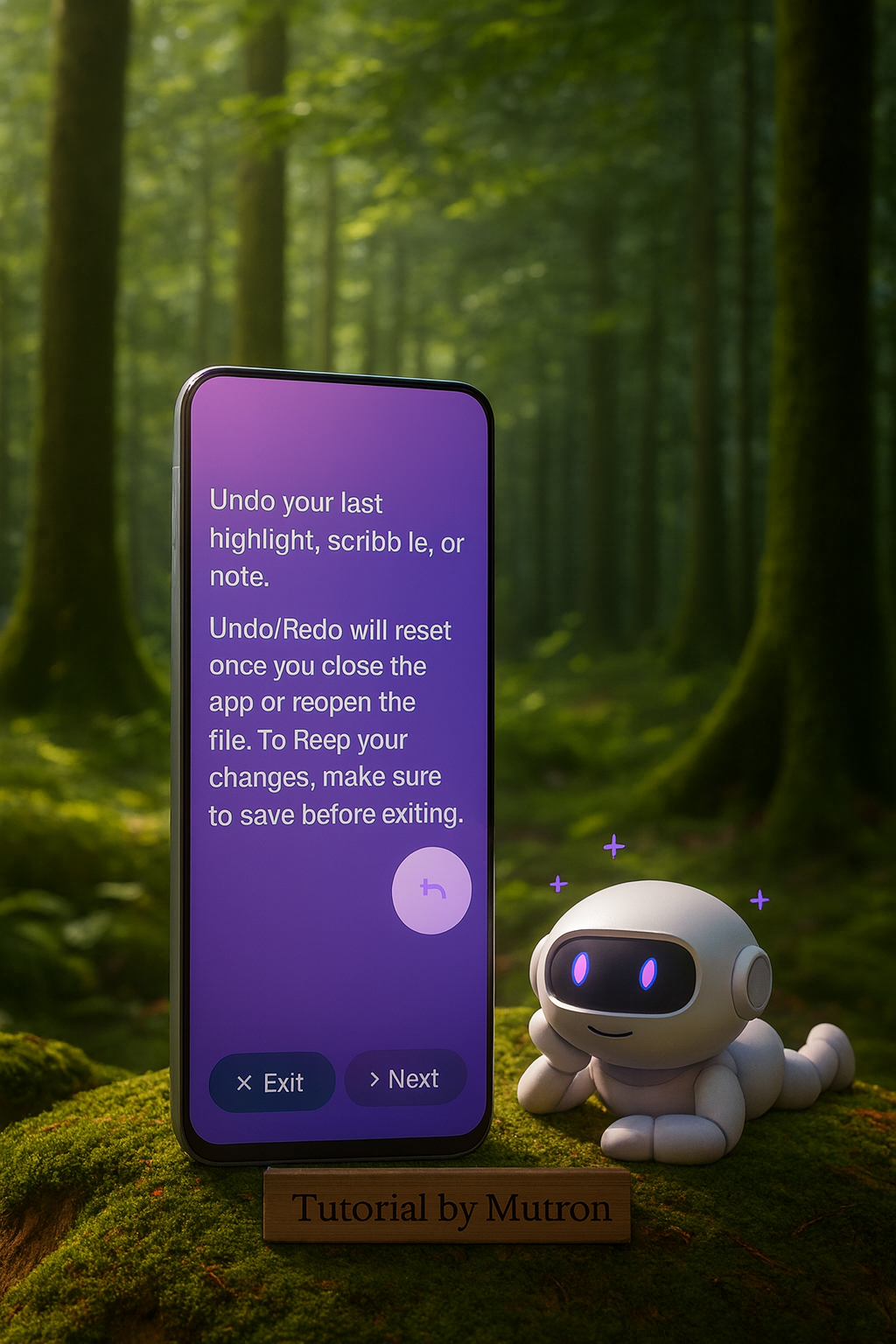
Enter Edit Mode to make permanent, direct changes to PDF content with full undo/redo support and safe Save As.
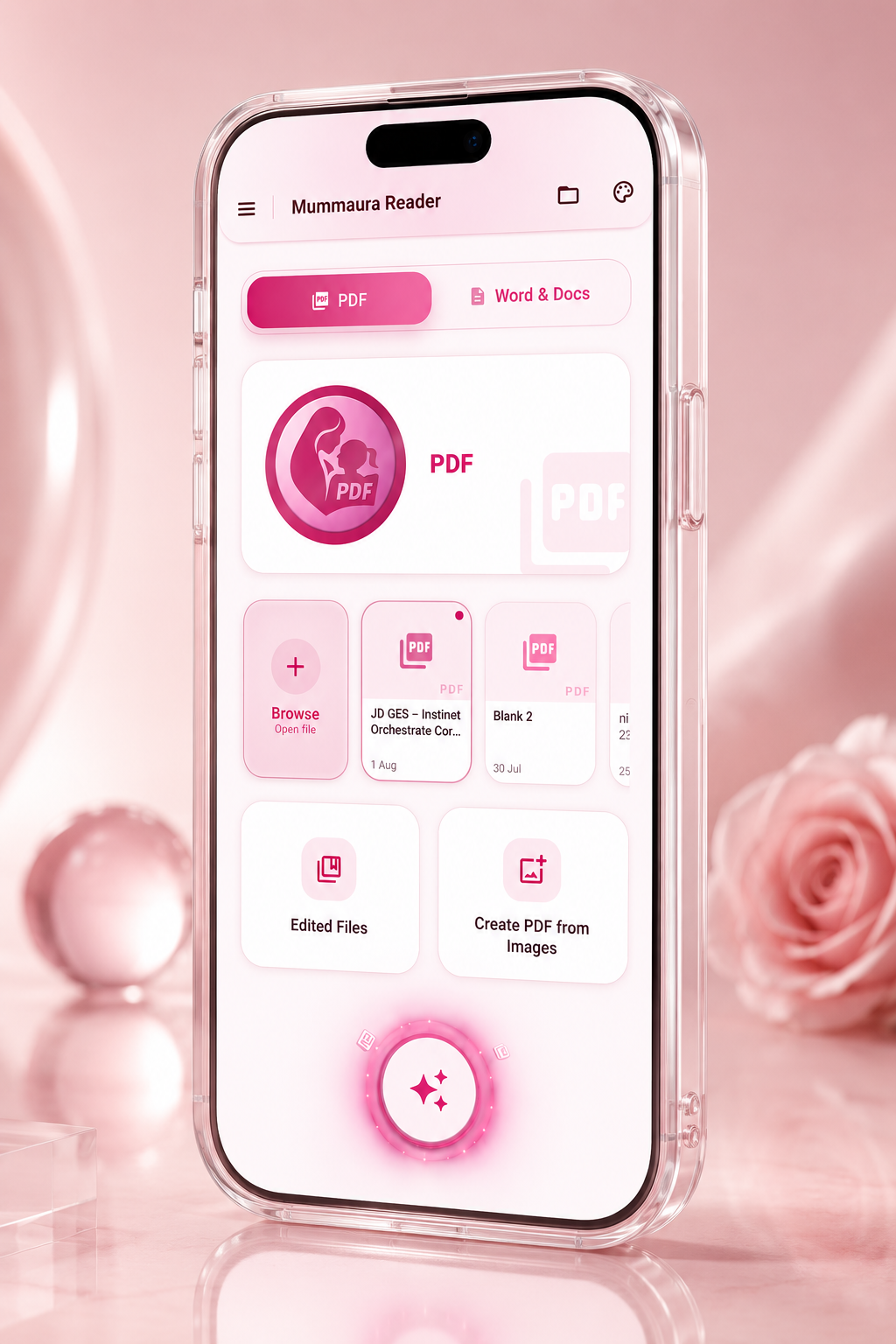
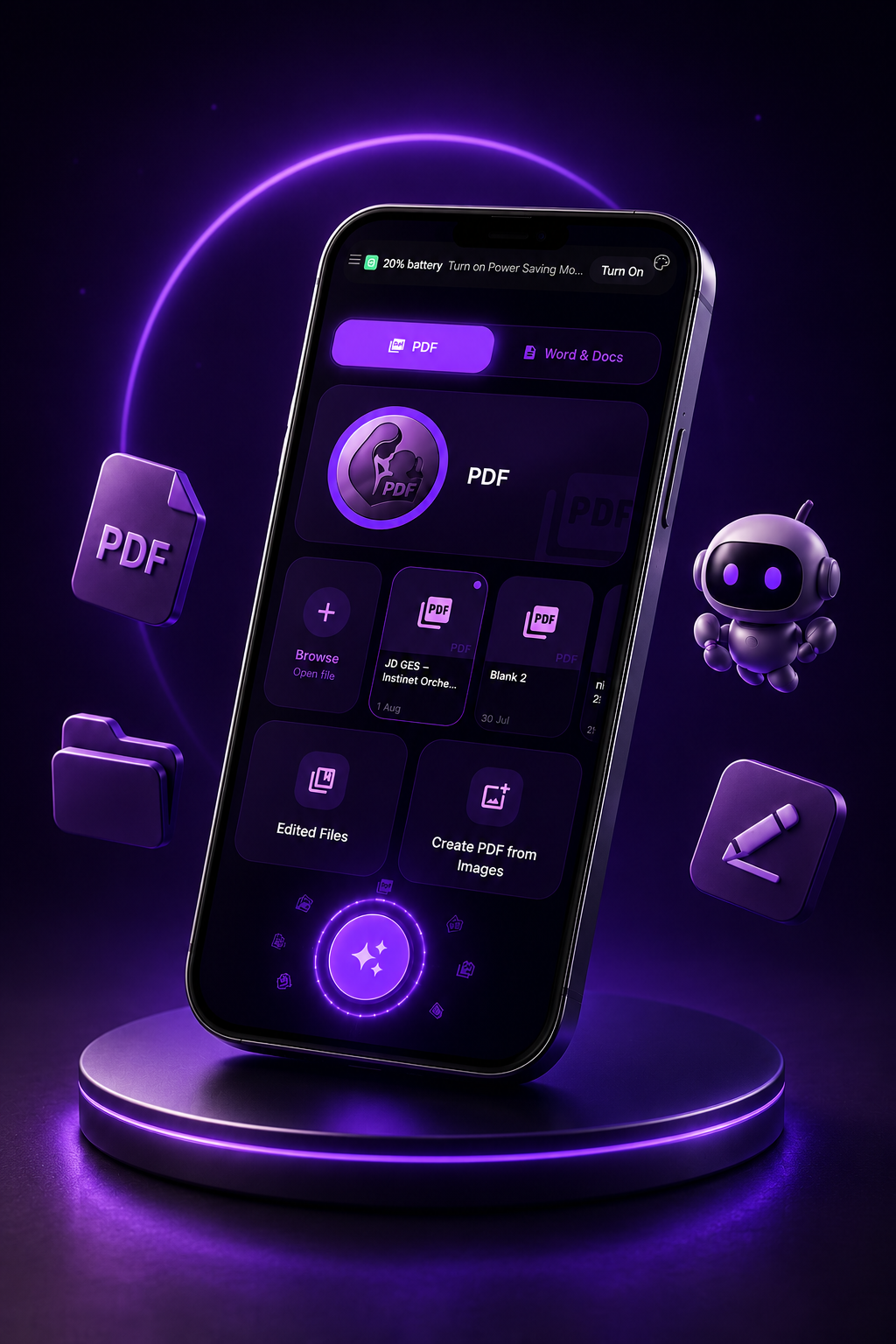
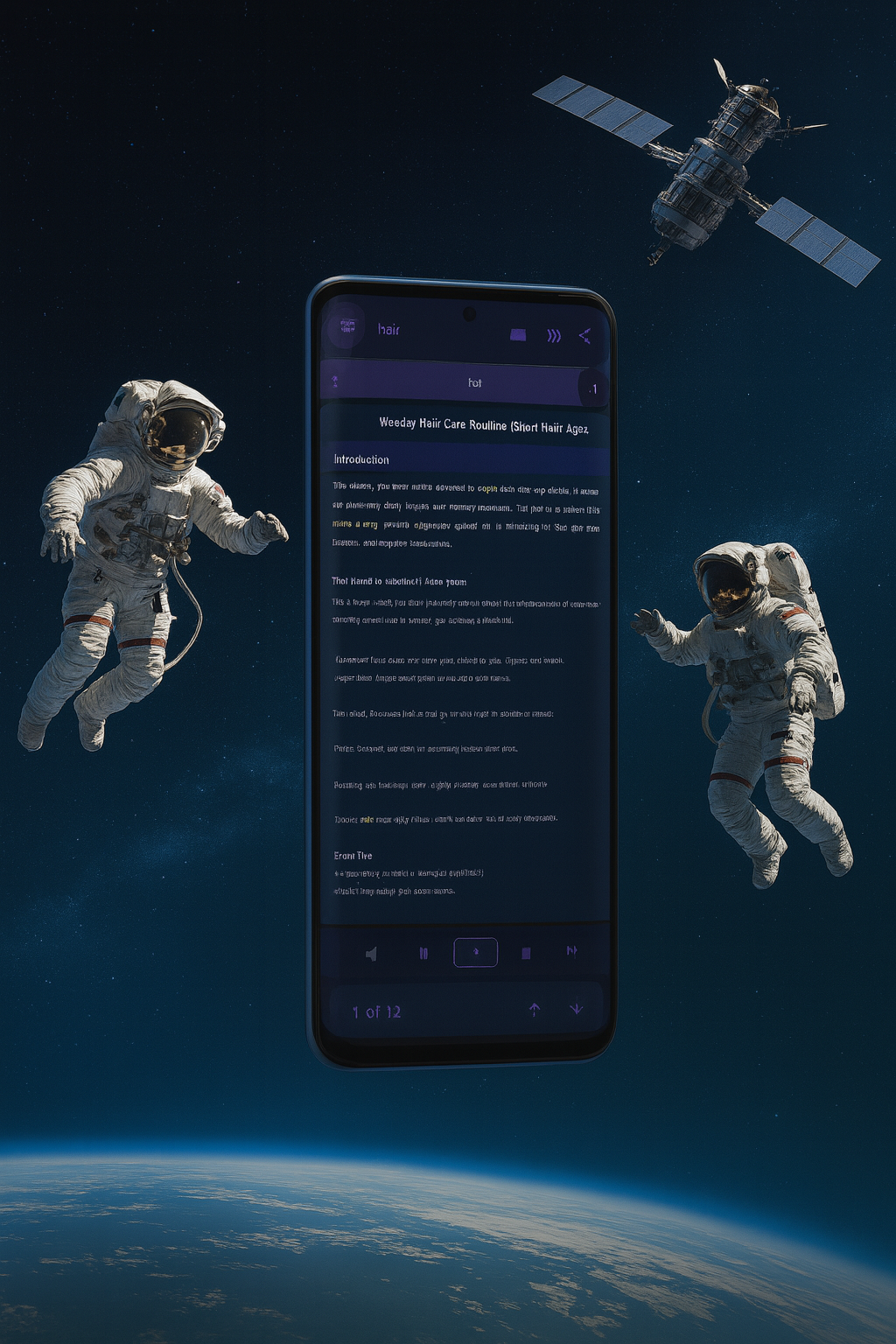
Screenshots never capture the glow — Super AMOLED shows every shade.
Also by MummaApps
A private voice & video recorder that keeps working with the screen off — 100% offline, no ads, no cloud.
Your kindness keeps our mission moving forward — and we’re always here to listen.
Yes — Mumaura includes a built-in rich text Word document editor that lets you create new documents, open and edit existing .docx files, and export Word-compatible files, all 100% offline.
The editor supports:
No subscription, no sign-in, and no internet connection required.
Download Mumaura PDF Reader & Word Editor and tap the Create PDF from images option. You can pick images from your gallery or take a photo directly with your camera, and Mumaura will instantly convert them into a PDF — completely offline.
Steps to create a PDF from images:
You can also insert image pages between existing pages of a PDF you already have open. Open the PDF, tap the insert option, pick your image, choose where to insert it, and save.
Yes — download Mumaura PDF Reader & Word Editor, tap Create PDF from images, and select Camera. Take a photo of your document, apply a grayscale or contrast filter for a cleaner result, and tap Create PDF. The PDF is saved directly on your device with no internet, no cloud upload, and no account required.
This works for handwritten notes, printed documents, receipts, books, ID cards, and any paper you want to convert into a shareable or storable PDF.
Yes — download Mumaura PDF Reader & Word Editor and tap Create PDF from images, then choose Gallery. You can select multiple photos at once. After selecting, drag the thumbnails to arrange the page order, apply a filter if needed, and tap Create PDF to merge them all into a single PDF file stored privately on your device.
Yes — open any PDF in Mumaura PDF Reader & Word Editor, then use the insert image pages option to add gallery photos or a new camera photo at any position in the document. You can choose exactly where to insert the new pages, so your existing content stays in the right order. The updated PDF is saved as a new file so your original is always preserved.
Download Mumaura PDF Reader & Word Editor — it includes a built-in Word document editor. Tap Open Word / Docs on the home screen, pick your .docx file, and it opens in a full rich-text editor where you can read and edit it directly.
You can:
.docx fileNo Microsoft Word, no subscription, and no internet needed.
Yes — Mumaura can convert any PDF to an editable Word document (.docx) directly on your device, with no cloud uploads and no internet connection.
The conversion preserves text formatting including bold, italic, and text alignment (left, center, right). The output is a standard .docx file that you can continue editing in Mumaura's built-in Word editor or share to any Word-compatible app.
Note: Complex PDF layouts such as multi-column designs, tables, and embedded graphics are simplified to plain text format during conversion, as the goal is editable content rather than pixel-perfect replication.
PDF Edit Mode lets you make permanent changes to the actual content of a PDF document, not just overlay markups on top of it. This is different from annotations, which add highlights and sticky notes as a separate layer.
In Edit Mode you can:
Edit Mode is clearly labeled when active, so you always know when you are in a higher-stakes permanent-edit workspace versus the standard reading or annotation flow.
Yes. PDF itself is a free, open file format — you never have to pay just to open, read, or download a PDF.
You can download PDFs shared on websites, emails, or official portals and open them locally on your device using Mumaura PDF Reader & Word Editor.
Mumaura PDF Reader & Word Editor lets you open, read, search, annotate, print, and listen to PDFs 100% free, ad-free, and offline. Mumaura does not require subscriptions, accounts, or cloud sync just to read PDFs.
Some software companies sell optional cloud or advanced editing features, but paying is never required simply to view or download a PDF.
More help topics available
Text-to-speechFormsSignaturesPasswordsPrivacyTroubleshooting